Oracle · Design jam
Spotlight
A design jam project to spark ideas supporting Agentic app experiences
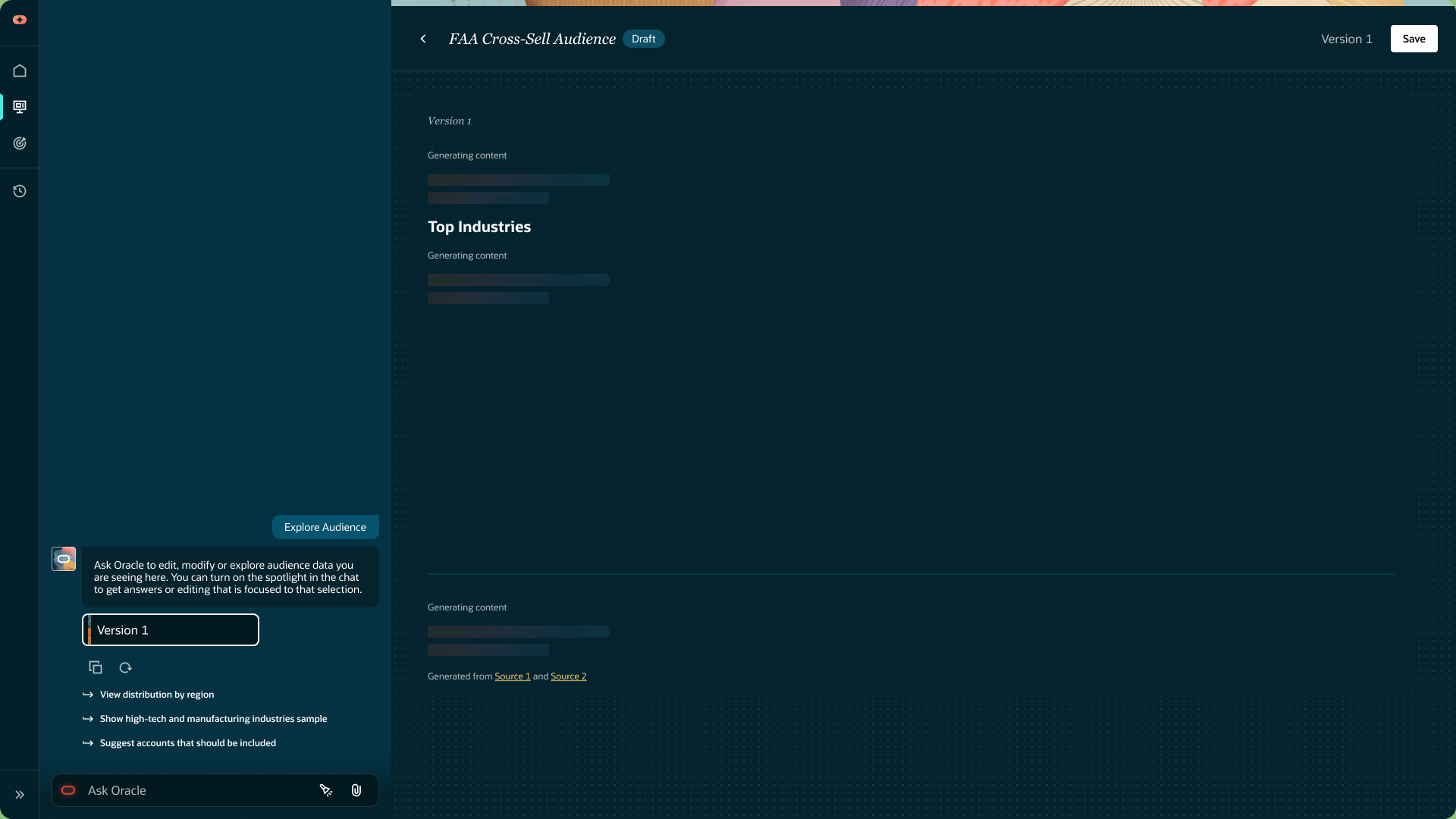
The design jam objective
The primary objective is to design an annotation system where users can directly highlight, critique, and refine AI-generated content. The central design challenge is structural and visual: establishing how static human feedback reliably anchors to fluid, frequently regenerated text.
- Effortless Selection: Create a simple, intuitive way for users to highlight exactly which part of the data they are critiquing.
- Smart Anchoring: Design a system where user notes don't get lost or broken when the AI rewrites or updates the artifact.
- Direct Editing: Ensure that leaving a comment actually drives the next iteration, turning feedback seamlessly into revisions.
The essence of spotlight
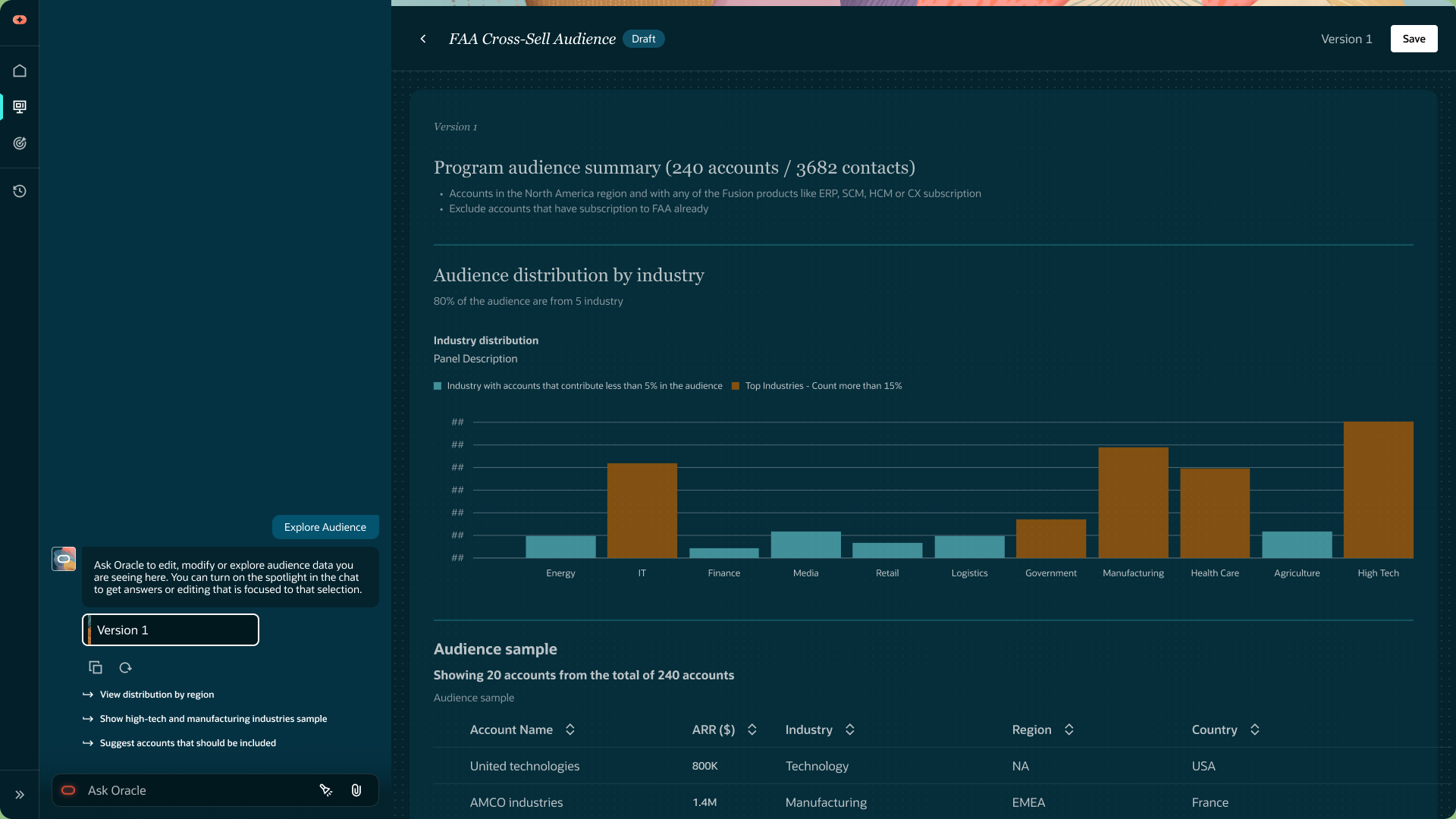
- Ever struggled to make a selection, but ended up selecting its parent or child instead?
- Ever wondered if the app actually understood what you intended to select?
Draft
Data distribution
Level 2 element
Table/Grid
What did I
actually select?
The design jam begins with a familiar interaction problem: trying to select a section, but selecting its parent or child instead. In an AI workflow, that uncertainty creates another question: did the application understand the context intended for the request?
Spotlight explores a visible connection between the content a person is looking at and the conversation they use to change it.
Rethinking annotations
To test new annotation concepts, I took the scenario around audience exploration in a marketing command center. The layout places chat and data artifacts side-by-side. Instead of defaulting to the standard text-highlighting patterns common in today's AI interfaces, I challenged myself to brainstorm a more dynamic interaction model based on the following design principles.
Design Principles
Three ways to
make intent clearer.
Make AI feedback clear.
Keep the conversation connected.
Unique design direction.
The concept sparked from a simple analogy: What if you could isolate digital content the same way a spotlight focuses attention on a crowded stage? I wanted to bring that spatial, physical interaction to the digital canvas.
The result is a spotlight tool where users aim a beam and use natural pinch-to-zoom gestures to widen or narrow their focal area. Once a selection is confirmed, the UI delivers instant visual feedback and surfaces contextual follow-up prompts.
Crucially, just like a real spotlight doesn't care what the stage is made of, this spatial approach ignores underlying code entirely. It allows users to effortlessly highlight and query "unselectable" elements inside images, PDFs, and complex data layouts.
VIBE CODED PROTOTYPE
Try Spotlight.
Open prototypeMore work

Logi Circle 2.0
Home security, app experience and connected services
Harmony
Entertainment and smart-home control
Agentic Audiences
Accelerated Redesign: Powered by Vibe Coding
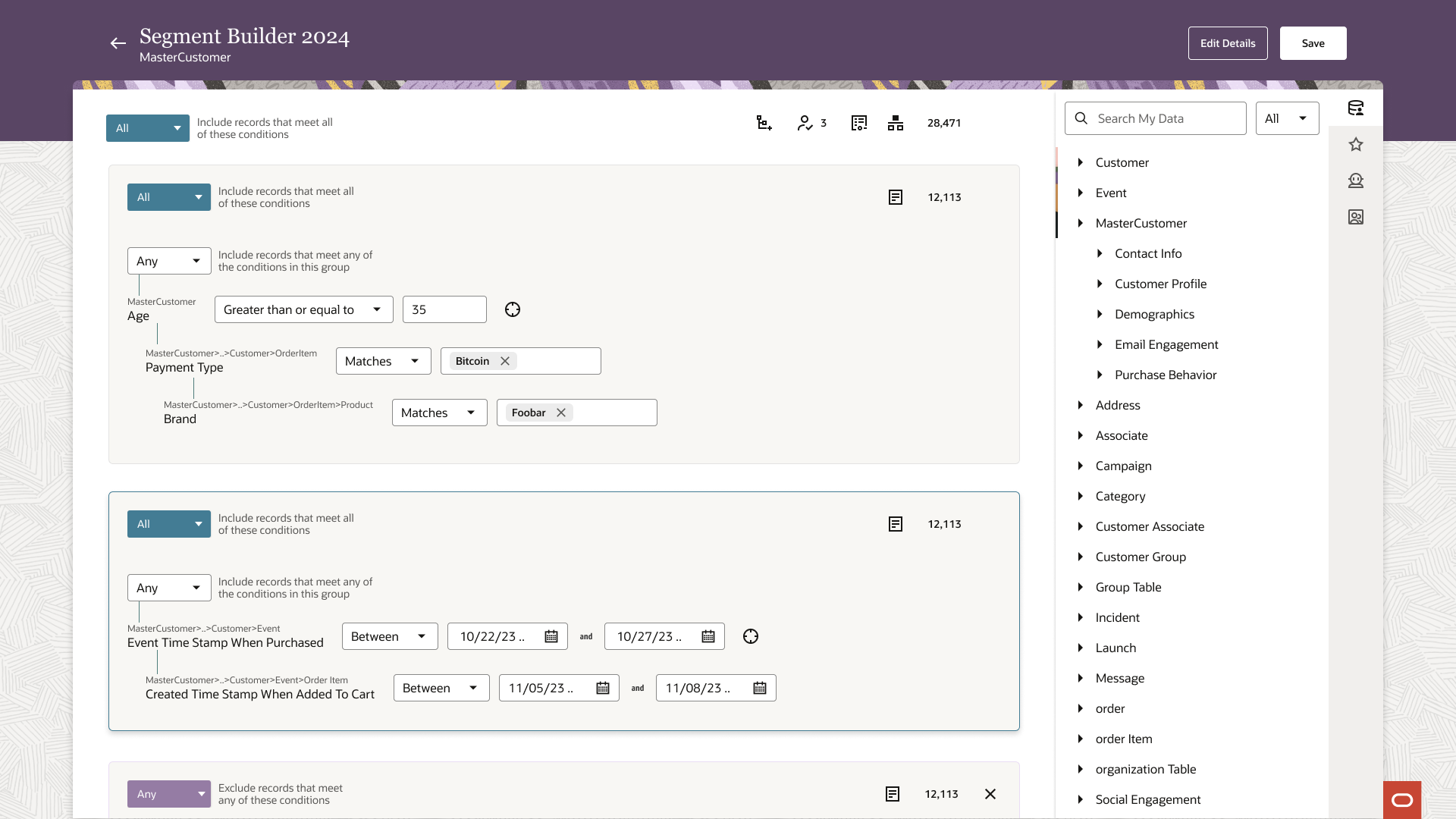
SaaS application to Agentic AI experience
A holistic design journey spanning discovery research, scalable design systems, and advanced AI user experiences.